Public Profile
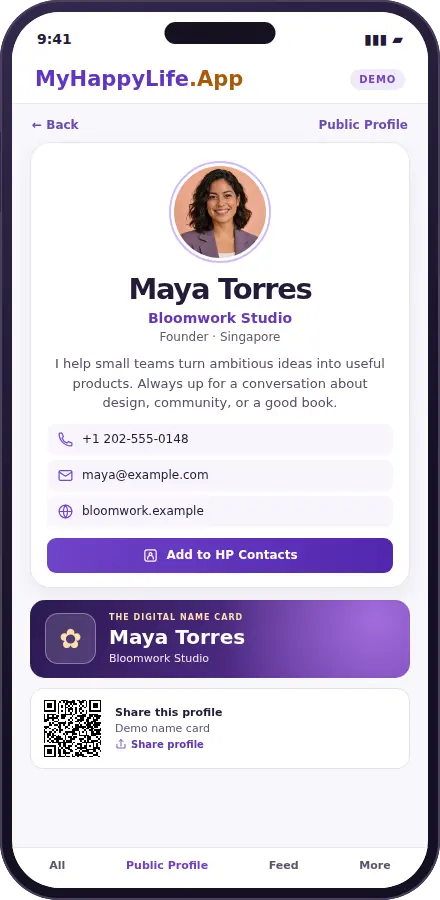
A shareable digital introduction with your name, photo, work, bio, and the contact details you choose to show. Send the profile link when someone wants to know more about you.
MyHappyLife.App feature guide
One profile. Two ways to use it.
See how a MyHappyLife.App public profile looks to visitors and how the member updates it in MyProfile, using a fictional example.

Take a closer look
See the same fictional profile from both sides. Select either phone for the full-size preview.
A shareable digital introduction with your name, photo, work, bio, and the contact details you choose to show. Send the profile link when someone wants to know more about you.
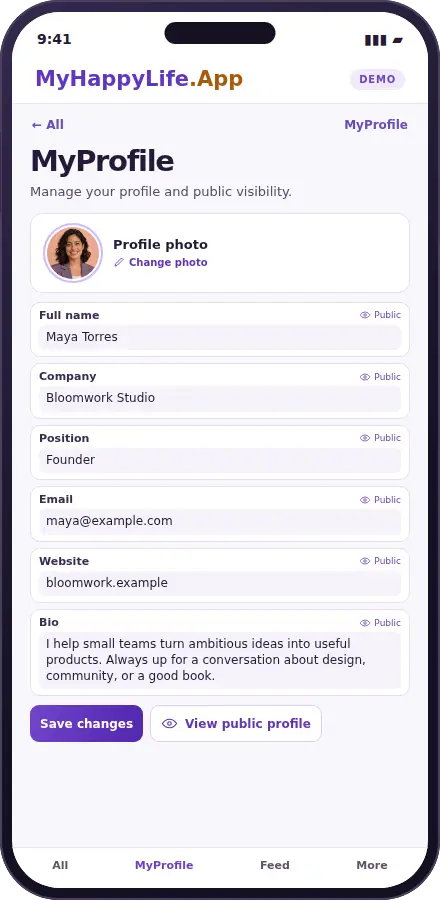
The signed-in editor for your photo, bio, company, title, contact details, and website. Review the public card after updating the information you want people to see.